OBOneButton by TAS Technology
OneButton for MYOB / Fiji VMS
Already using MYOB?Get VMS. Keep working as usual.
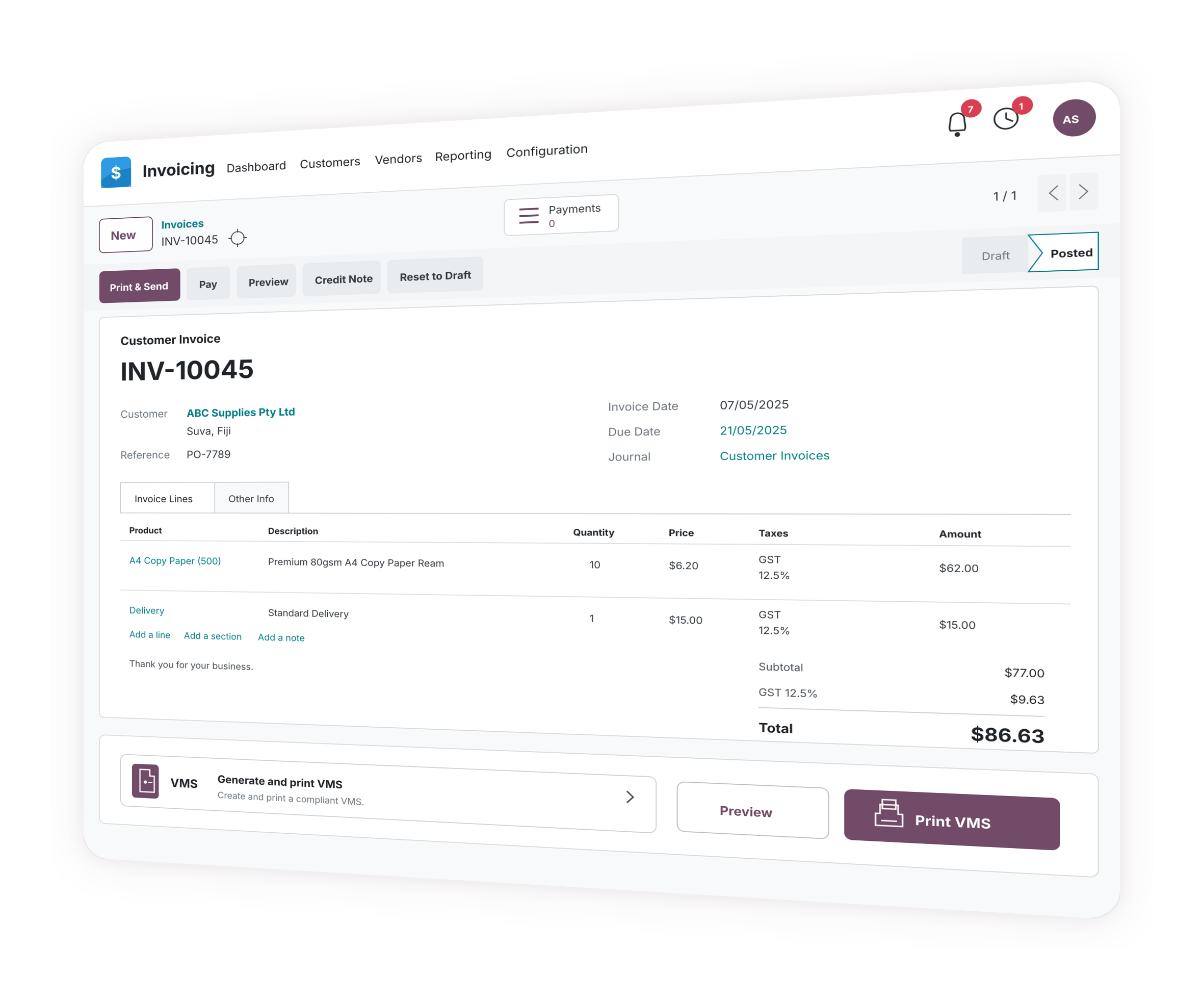
Create the invoice in MYOB. Press OneButton. You're done. Customer-ready VMS output without leaving your software.
From FJD 10/month
14-day free trial
No card required today
Call +679 999 2224 Offer ends 31 July 2026
Offer valid until 31 July 2026
FREE MYOB training
With a TAS Certificate of Completion for eligible VMS or MYOB product purchases from TAS.
Offers are subject to product eligibility, current package confirmation and TAS approval before signup. Promotional discounts apply to the first year.
MYOB online training
Three moments
Work as usual. One Button. Done.
The user experience stays simple. TAS handles the setup and connector work behind the scenes.
Work as usual
Create the invoice or sale inside the supported software your team already knows.
One Button
Start OneButton from inside the agreed workflow. No duplicate invoice entry.
Done
Use the customer-ready fiscal output in the normal business process.



Choose your starting point
Start with where invoices and sales happen today
The system creating the transaction determines the right OneButton conversation. Current product paths and discovery-led connector work are labelled separately.
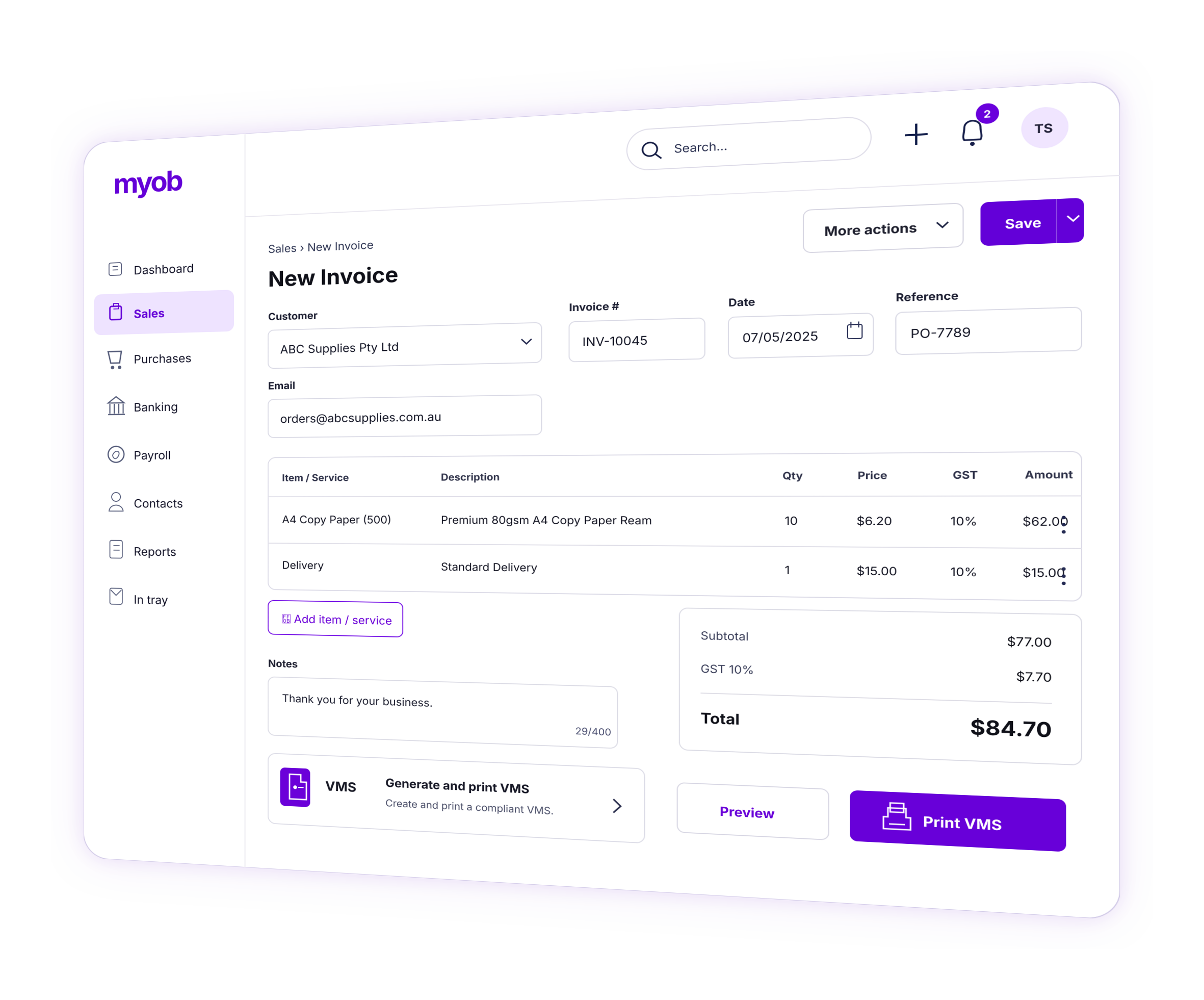
OneButton for MYOB
Create the invoice in MYOB. For Fiji VMS workflows, press Print VMS and use the customer output.
See the MYOB workflowOneButton for SalesRight
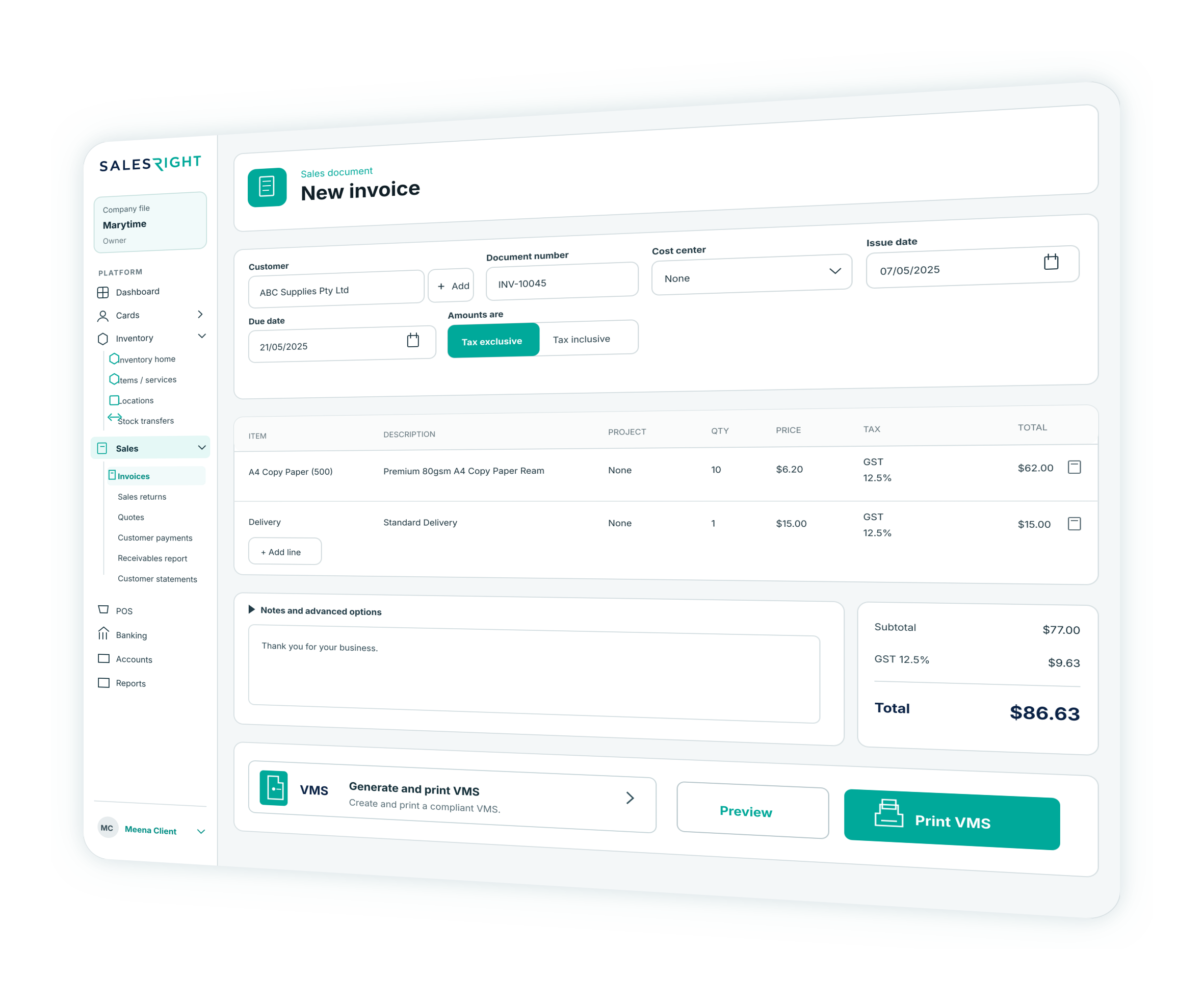
Keep working in SalesRight Accounts or POS and add the fiscal action your setup needs.
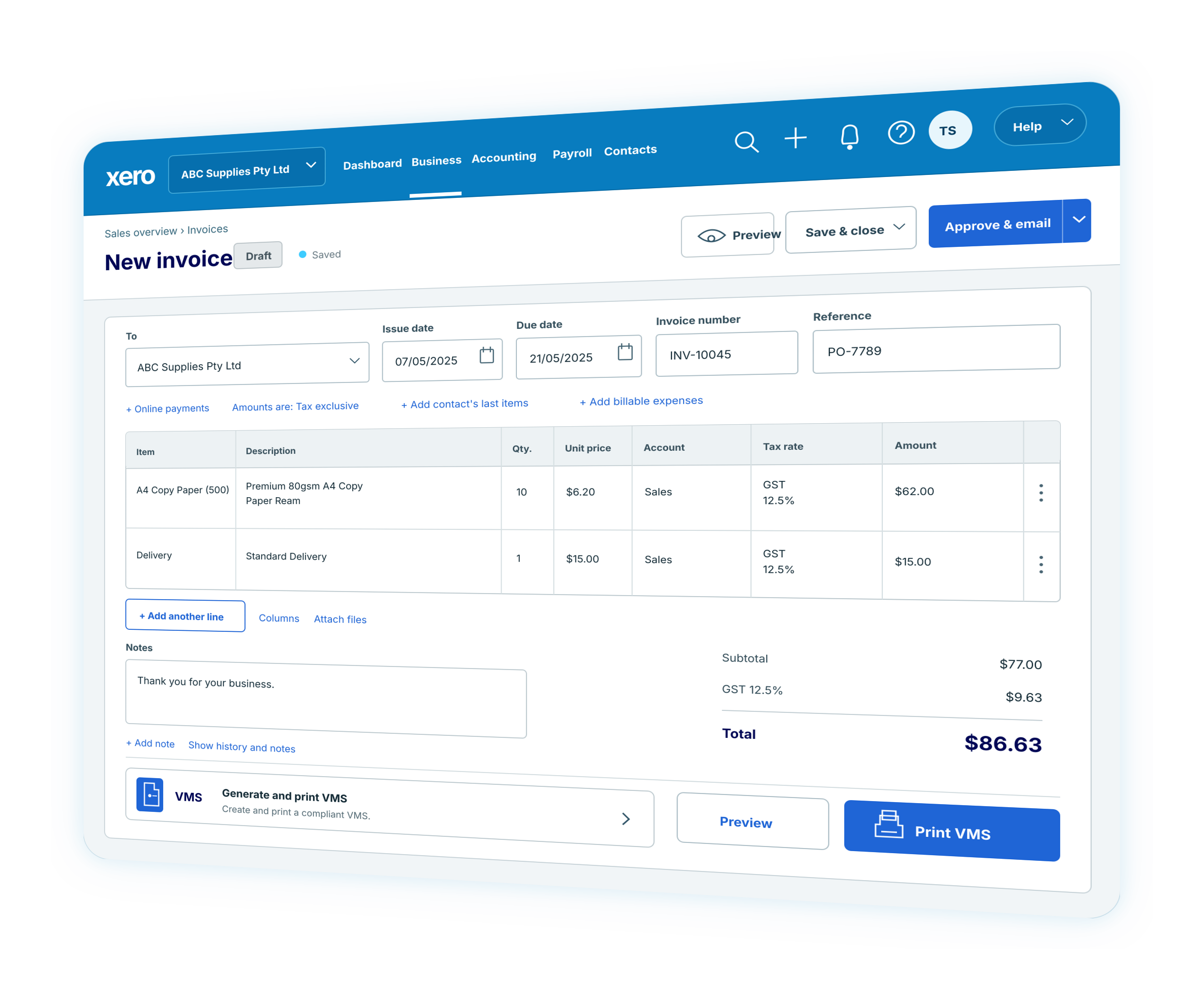
Explore SalesRightOneButton for Xero or Odoo
Review the invoice workflow and confirm the connector, setup and training path with TAS.
Check readinessCheck your software
Tell TAS your country and software. We will confirm whether a OneButton path fits.
Check readinessReadiness review
A short check before TAS sets it up
Tell us what you use today. TAS will recommend the simplest practical path.
Software
Which accounting, sales or POS system your team uses.
Invoices
How invoices are created and how many you process each month.
Output
How customers receive printed or digital copies.
Team
Who needs setup, training and ongoing support.
Implementation path
TAS handles the setup. Your team gets the simple workflow.
Four practical steps take the business from first check to supported use.
Check
Confirm your software, country and invoice workflow.
Set up
TAS configures the agreed OneButton path.
Train
Your team learns the one-action workflow.
Go live
Start using OneButton with TAS support.
Pricing
Clear entry pricing for MYOB. Scoped pricing for everything else.
OneButton for MYOB has published invoice-volume plans for the current VMS solution. SalesRight, POS and other connectors start with a demo or readiness review because system access, field mapping, testing, training and support vary.
Country-specific by design
One platform idea, different local terminology
VMS is the term used for the current Fiji solution. Other jurisdictions may describe a similar business need differently, and the rules, data and operating model may not be the same. TAS confirms the jurisdiction before presenting a connector as available.
Terms a readiness review may encounter
fiscalisationfiscalizatione-invoicingtax-authority reportingdigital tax receiptscountry-specific reporting
Availability, authority requirements, data handling and connector behaviour depend on the selected system and jurisdiction and are confirmed before implementation.
FAQ
Frequently asked questions
Is OneButton only for Fiji VMS?
No. Fiji VMS for MYOB is one solution path under OneButton. Other countries may use different terms such as fiscalisation, fiscalization, e-invoicing, tax-authority reporting or digital tax receipts.
Does OneButton replace our accounting or POS software?
The intended approach is to keep the supported system your team already uses and add the required sync and fiscal workflow around it. TAS confirms the exact connection method during readiness review.
Which systems can OneButton work with?
TAS currently presents readiness paths for MYOB, Xero, Odoo and SalesRight workflows, plus discovery for POS and other business-system connectors. Actual availability and technical scope are confirmed before a proposal.
How does a OneButton implementation start?
TAS first confirms the country, source system, invoice or sales trigger, tax and item setup, output needs, users, volume and support requirements. The team then recommends a product plan, connector discovery or custom scope.
What happens when a transaction cannot complete its fiscal workflow?
Exception handling, retry behaviour, offline requirements and staff escalation must be confirmed for the selected system and jurisdiction. TAS does not promise one behaviour for every connector before discovery.
How is OneButton priced?
OneButton for MYOB has invoice-volume plans starting at $10 per month. SalesRight, POS and other connectors are demo- or discovery-led because implementation, testing, training and support needs vary.
Does OneButton guarantee compliance?
No. TAS supports software workflow, readiness review, implementation and training. Businesses should confirm statutory obligations with the relevant authority or adviser.
Find your OneButton path
Start with your current system and invoice workflow.
How TAS works
Practical support with clear next steps
TAS starts with the workflow, confirms the scope, and supports implementation with training and clear boundaries.
Real business workflow
TAS works with accounting, sales, stock, payroll and compliance-related workflows used across different markets.
Implementation support
Product discussions can include demo, setup, training, handover and post-go-live support.
Clear boundaries
TAS confirms product compatibility, fiscal requirements, payroll responsibilities and payment arrangements before work starts.